Windows
Windows 11 x64 — installer or ZIP edition.
Download for Windows VTR-PON
Video, still images, live sources, audio, and documents.
One player for seamless playout.
Version 3.0.0 beta is available
This release is for people willing to help test the app and report issues.
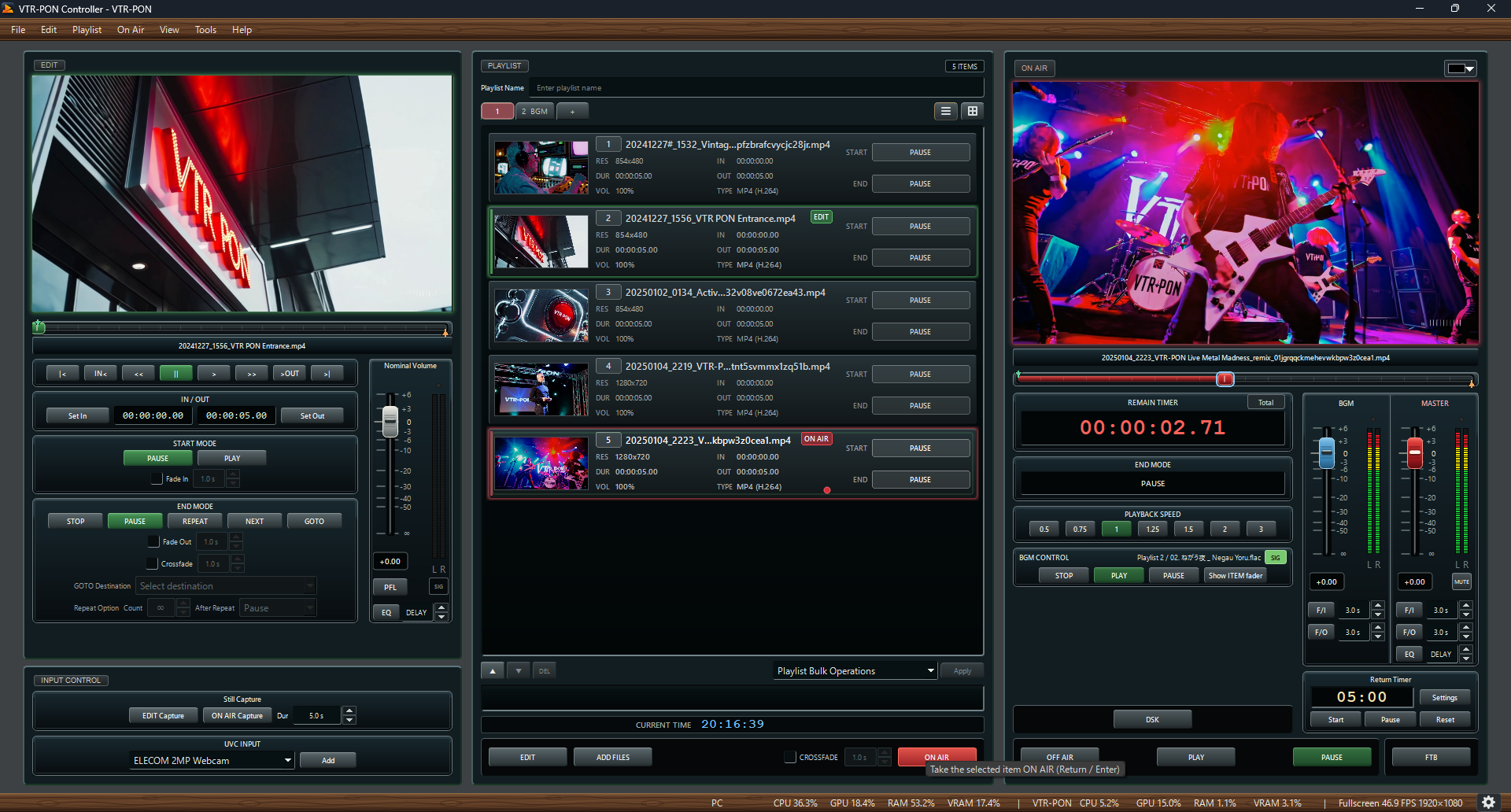
VTR-PON is a personal hobby project distributed free of charge. This beta is intended for people willing to help test its operation and report bugs.
As a beta under development, it may have bugs or behave unexpectedly. Stable operation at live events, during streaming, or in recording is not guaranteed.
The author accepts no liability for trouble, damage, or loss arising from use of this software, including use at live events. Use it at your own discretion and responsibility.
Before use, test it thoroughly with your actual PC, media, and video and audio outputs. Please share any issues using the contacts on the Development & feedback page.
License and disclaimer · Why I built it, and a note to users
The control and checking interface is completely separate from the fullscreen player, keeping controls out of your audience's view and delivering a clean media output.
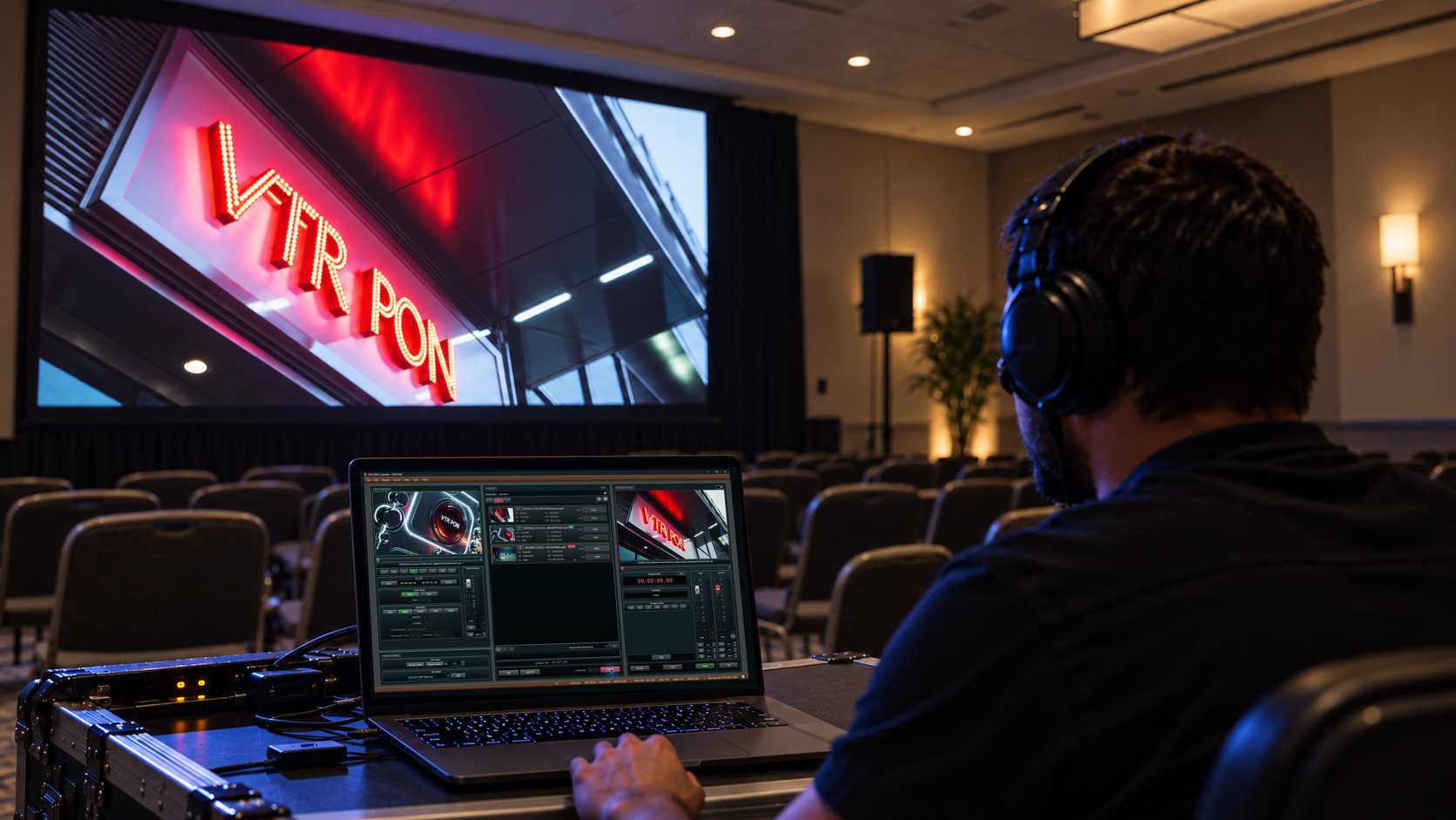
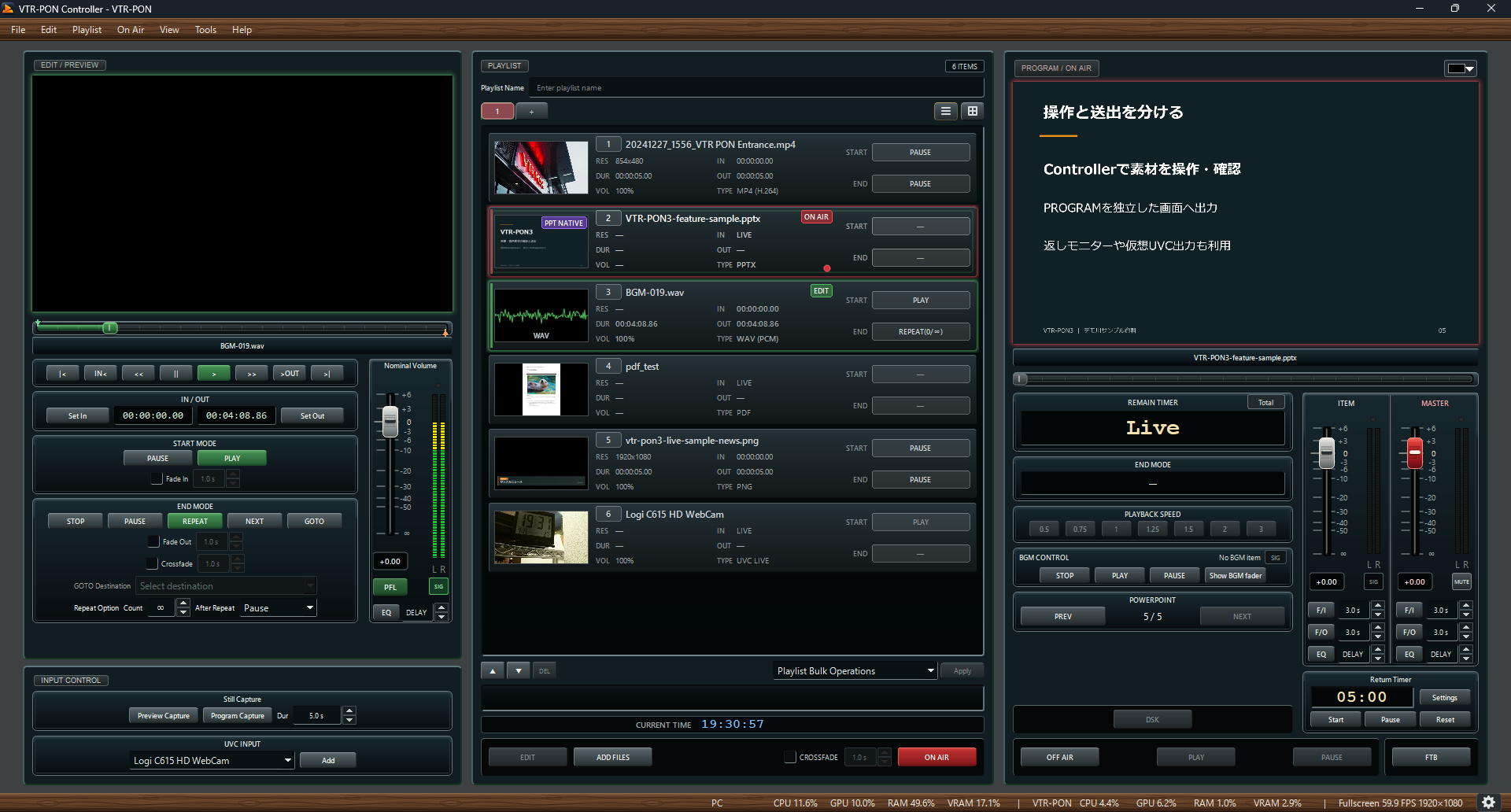
Play video, audio, still images, PPTX and PDF documents, and live inputs such as UVC in fullscreen.
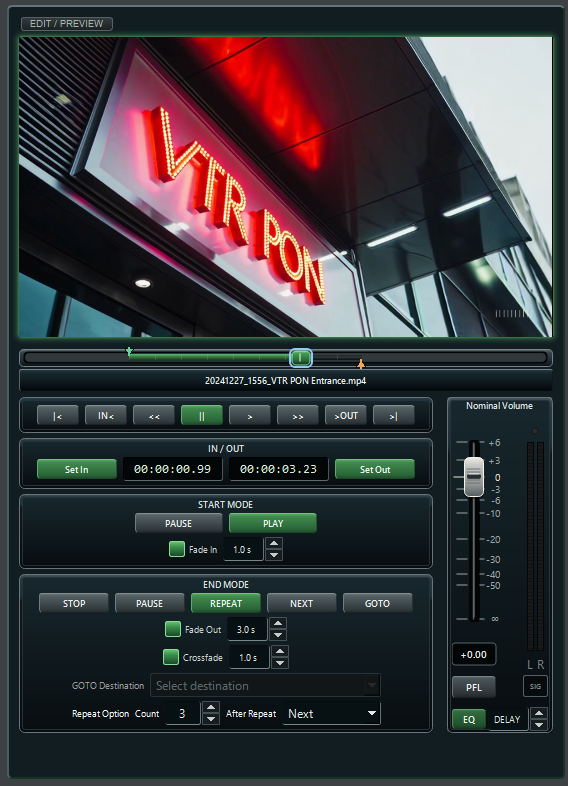
Set detailed start and end behavior for each item. Define IN and OUT points beforehand to choose exactly which part of the source plays.
Switch A/B decks for seamless continuous playback, and add visual treatments with player backgrounds, DSK overlays, and FTB.
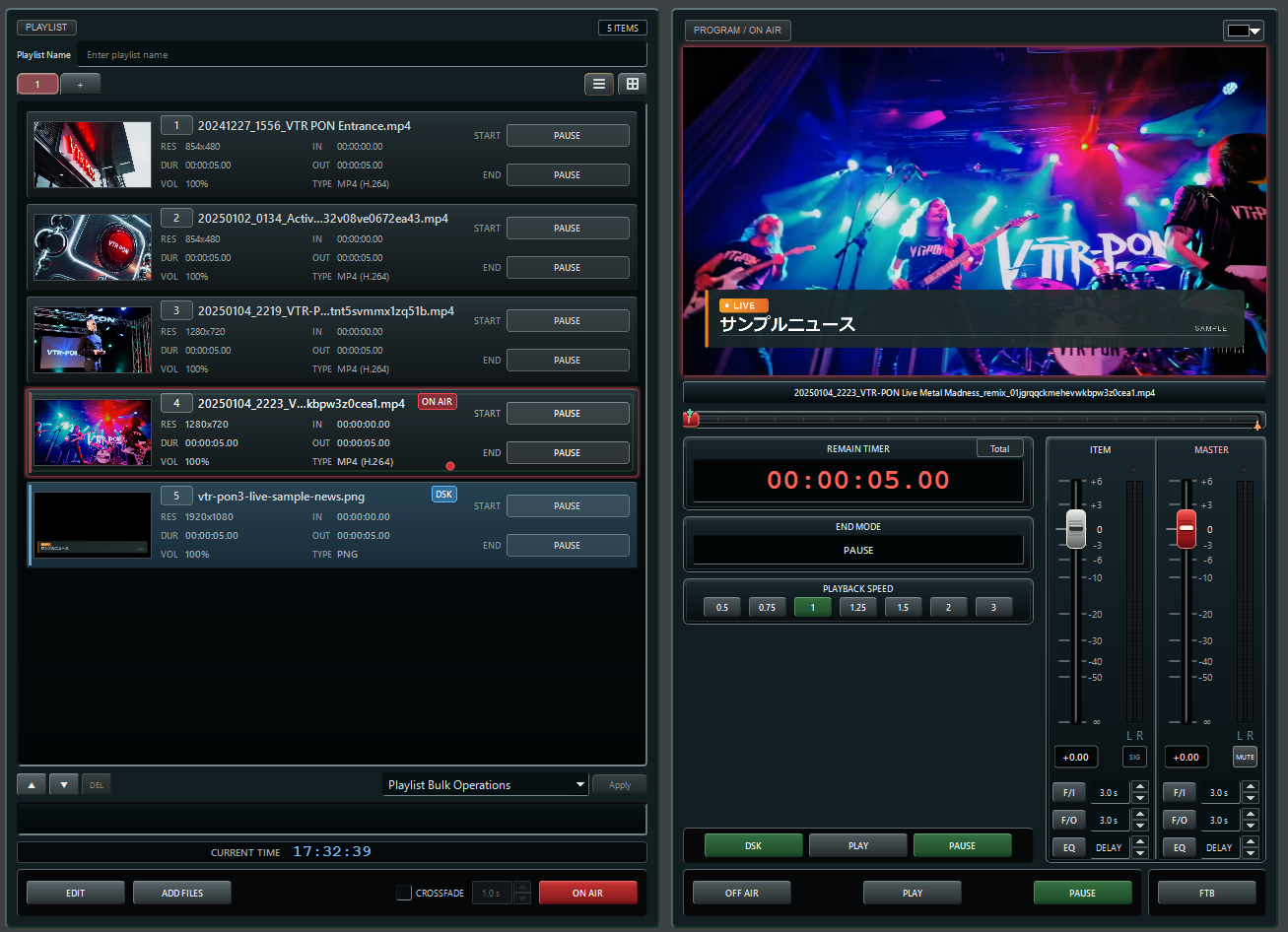
Test patterns, PFL listening, timers, a dedicated BGM playlist, and other tools support your workflow.
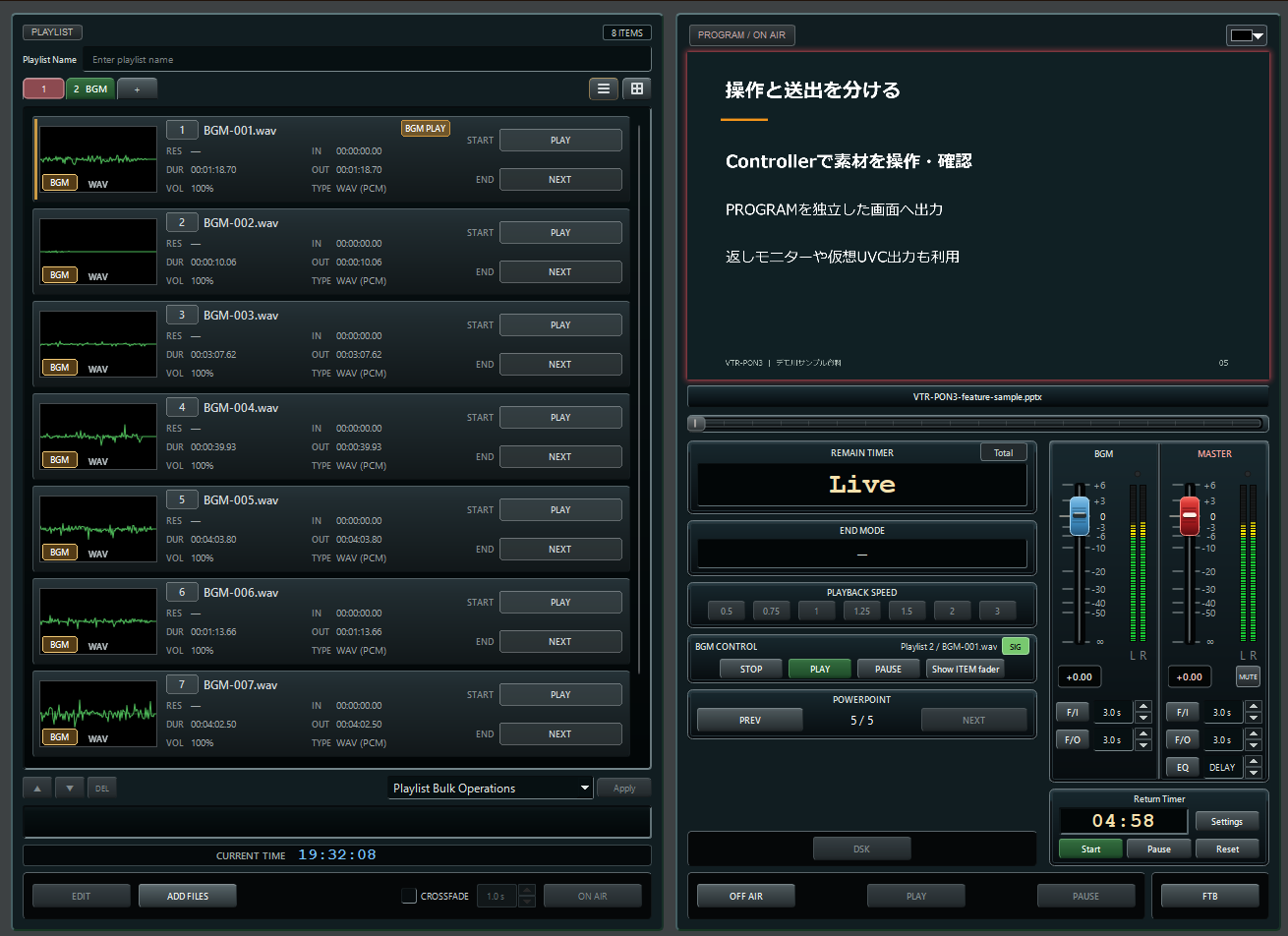
Add ATEM switcher integration, NDI® video/audio I/O, VST3 audio processing, and DeckLink I/O with fill/key. Download the add-ons you need and install them from Settings → Add-ons.
Additional tools help with setup checks, live playback, and everyday operation.
VTR-PON3 is open source. The source code is available on GitHub, and contributions are welcome.
Windows 11 x64 — installer or ZIP edition.
Download for WindowsmacOS 15+ / Apple Silicon arm64 — DMG.
Download for MacI write about development and the thinking behind features on note (in Japanese).
Screenshots and instructions cover two-display setup, adding files, going ON AIR, and configuring each feature.
Check the latest version's features and limitations before installing.
Find development notes, GitHub, and guidance for reporting bugs or suggesting features.